

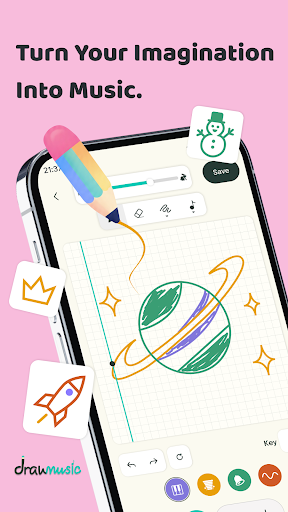
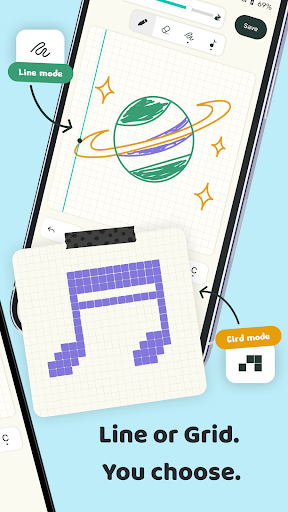
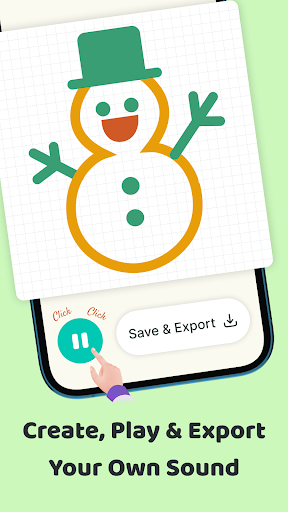
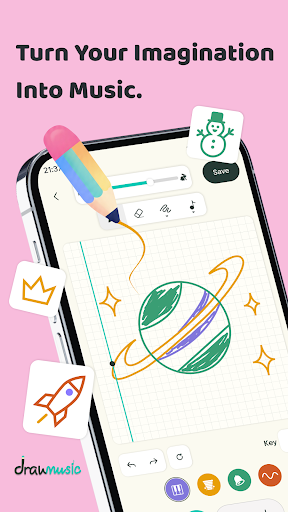
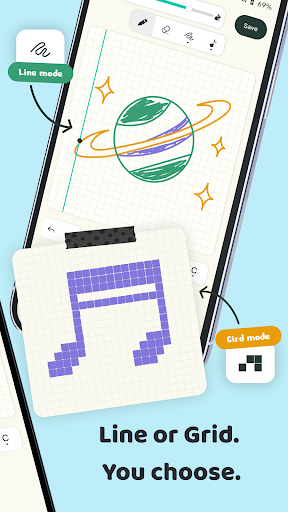
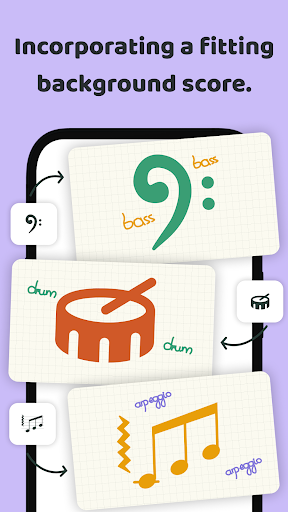
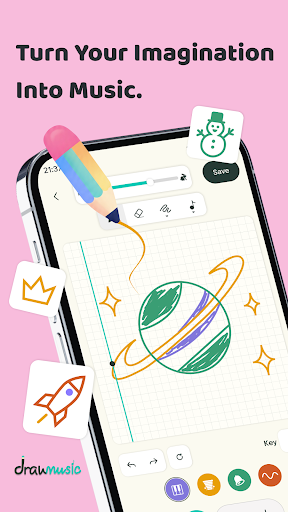
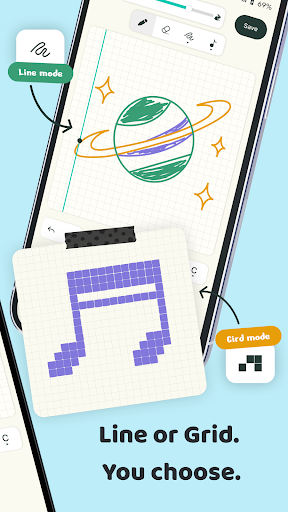
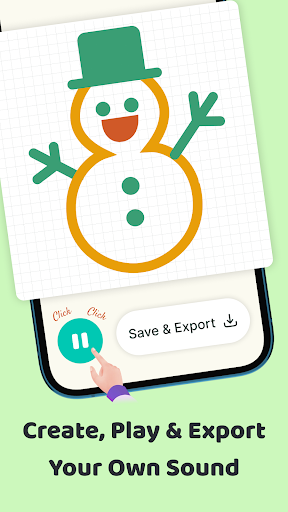
Draw Music: Sketch to Sound is an app that allows users to create musical melodies by drawing on a digital canvas. It transforms finger strokes into instant musical phrases, making music creation accessible without requiring knowledge of musical notes or theory. The app provides a canvas where horizontal movement represents time and vertical movement represents pitch, automatically snapping drawn strokes to a hidden 32 x 20 grid to ensure they are on beat. This approach lets users focus on visual creativity while the app handles the underlying musical structure.
Drawing to Create Music
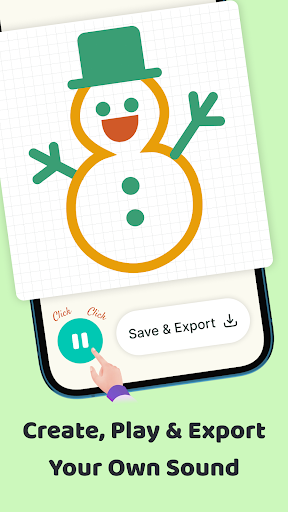
The core functionality of Draw Music centers on its drawing interface. Users can draw any shape—straight lines, curves, scribbles, or scattered dots—and each stroke is interpreted as a musical phrase. The app automatically quantizes these drawings to a grid, aligning them with the beat. This system ensures that all drawn elements contribute harmoniously to the composition, regardless of drawing precision.
Musical Scales and Root Notes
To maintain musical coherence, Draw Music automatically snaps every stroke to a selected musical scale. Users can choose between Pentatonic, Major, or Minor scales, ensuring that all notes played are in tune and sound harmonious together. The app also offers 12 Root note options, allowing users to transpose the entire piece up or down to change its overall tonal quality. A Tempo slider further enables adjustment of the playback speed, from 40 BPM upwards, to control the pace of the created music.
Instrument Selection and Layering
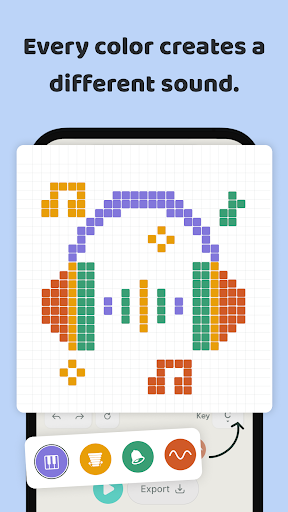
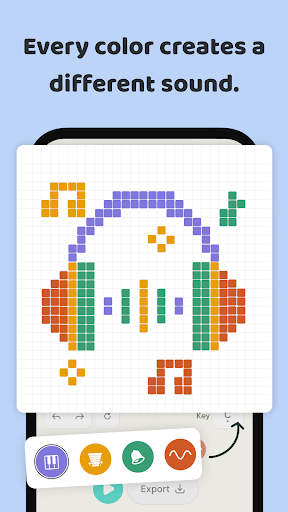
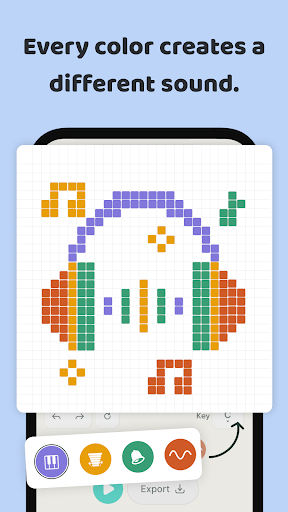
Users have access to four distinct instruments: Soft Key (an electric-piano tone), Marimba (a wooden mallet sound), Warm Synth (an ambient pad), and Bells (a metallic chime). Each instrument is associated with a signature color. By drawing multiple strokes in different colors on the same canvas, users can layer various instrument parts, building multi-part arrangements that combine rhythm, melody, and harmony. The app prioritizes newer strokes over older ones beneath them, facilitating free redrawing and tweaking without the need to erase previous elements.
Template Library for Inspiration
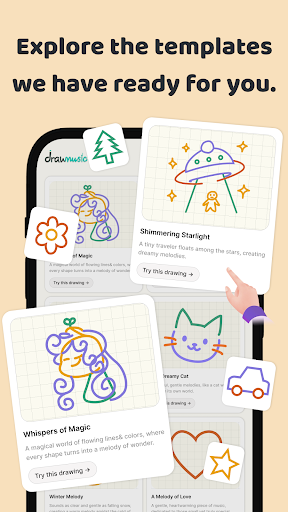
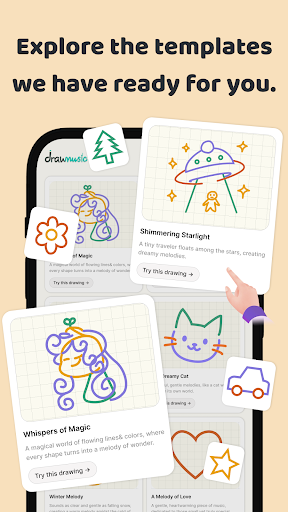
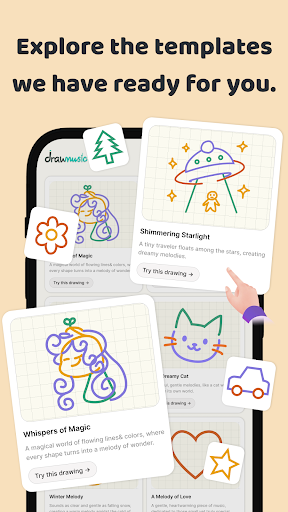
For users seeking inspiration or a starting point, Draw Music includes a rich library of ready-made templates. These templates cover various themes such as birds, animals, landscapes, and people. Users can select a template, listen to its immediate playback, and then freely edit and expand upon it to develop their own unique musical creations.
Recent Enhancements
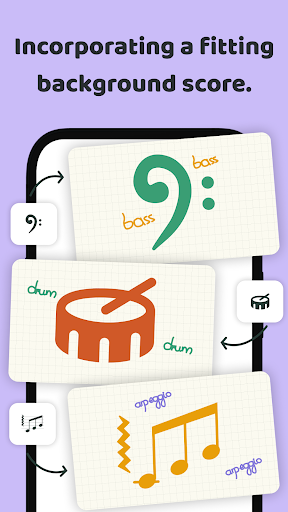
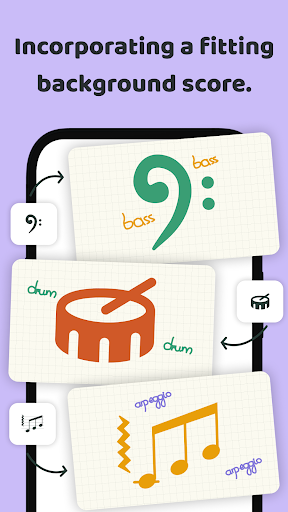
Version 2.9 of the app introduced a Color Wheel feature, expanding sound possibilities with over 200 distinct sounds. Additionally, a new Frame Mode was added, allowing users to draw multiple canvases within a single project, potentially enabling more complex or sequential musical compositions.






Write a review